dpow, the Digital Plan of Work, reads your contract and generates your full information release schedule to ISO 19650 standards on your own SharePoint, the same day. Then it runs the job: the registers stay live, the reports write themselves and the audit trail builds itself.
Built on the tools you already run on:
 Microsoft 365
 SharePoint
 Outlook
 Teams
Teams Excel
Excel Powerproject
 Oracle Aconex
 Asite
Asite Dalux
Dalux Autodesk Construction Cloud
 Trimble Viewpoint
Because every other tool tracks the work. dpow.app does the work.
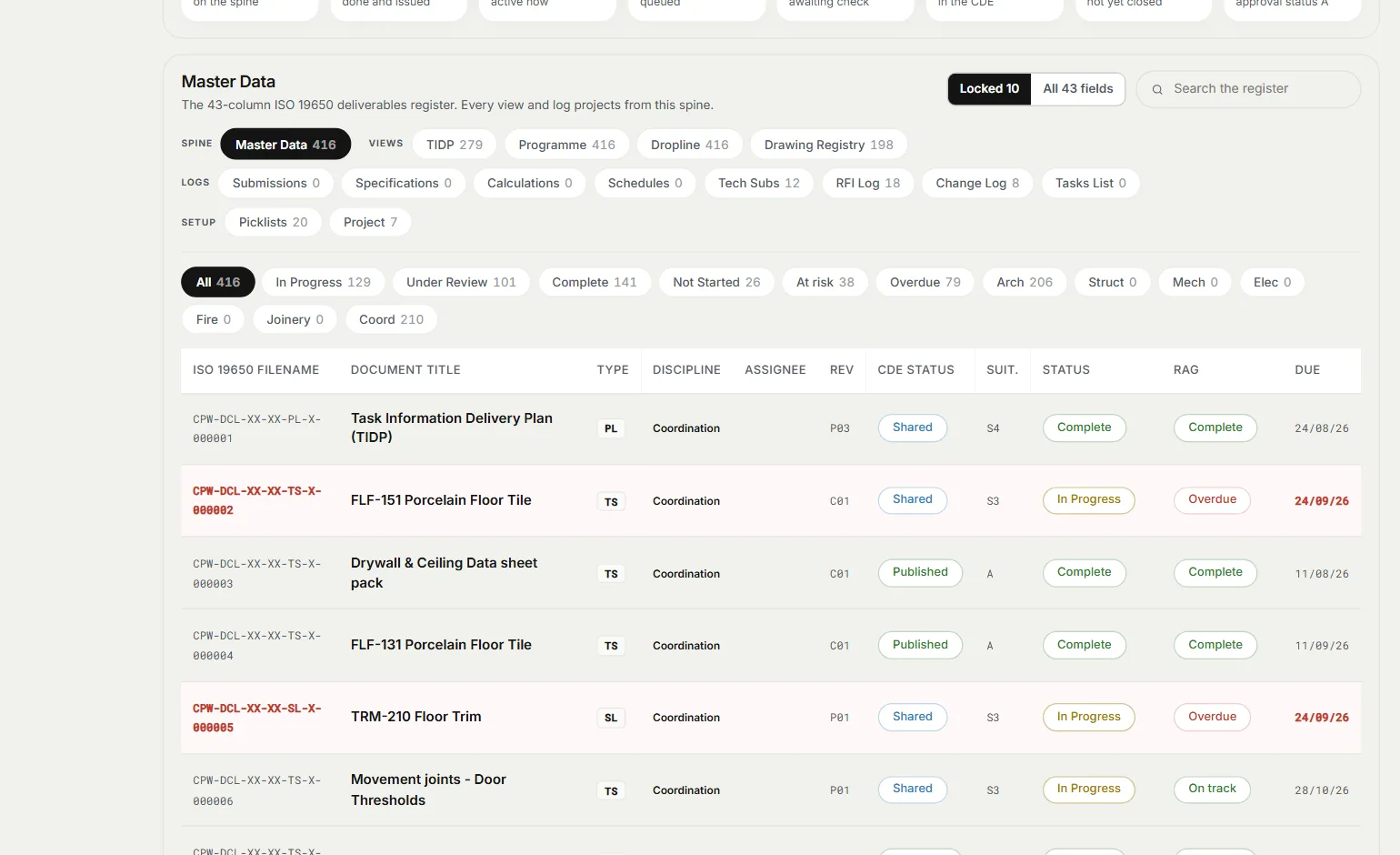
Deliverables, revisions, RFIs, variations and tasks hang off one live register. Change it once, it is right everywhere.
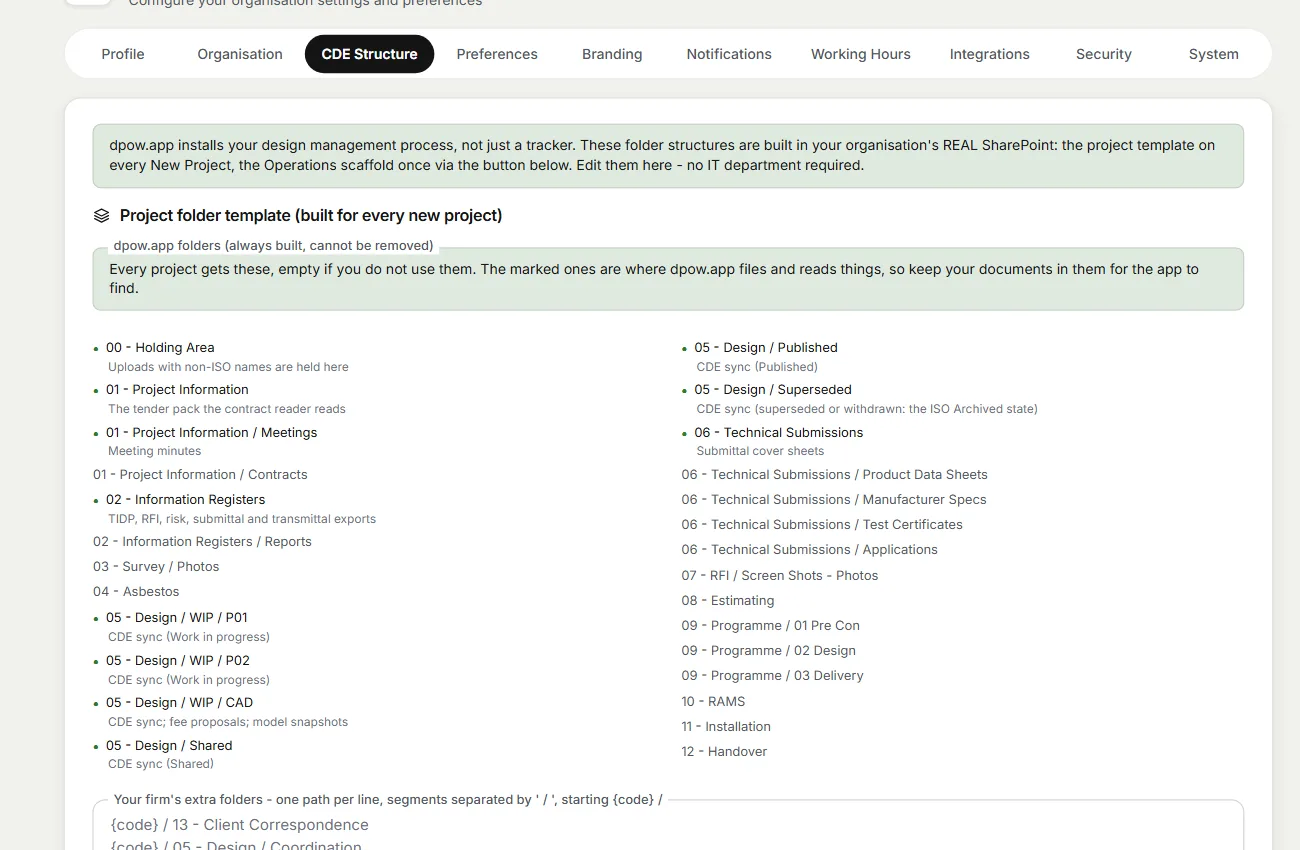
The CDE is built in your SharePoint, in your tenant, to ISO 19650 from day one. Your project files stay in your own SharePoint.
It reads the register the way a programme director reads it, then writes the weekly narrative in board-ready English.
Built by a practising head of design with 20 years on UK fit-out, and run on live Tier 1 work before a single licence was sold.
“Every job started with three weeks of building registers by hand. dpow.app is that work, generated.”

Contract in, delivery suite out, the same day. Then one live register runs the job and the report writes itself.
Built in your own SharePoint: WIP, Shared, Published, Archived. Names generated to the convention, statuses from controlled lists, every container revision-tracked.
Drop in the contract, the EIR and the scope. dpow.app generates ten outputs, from Scope of Work and TIDP to programmes and registers, ISO 19650 named.
It reads status codes, revisions and slippage, then writes the weekly narrative: quantified, no waffle, closing with next week's directive. You stay the editor.
Sign in with your Microsoft account. Files are written with your permissions, and the registers sync to Excel daily and each session. Stop paying and your data stays put, in your tenant.
From contract to a complete Digital Plan of Work, the same day.
No new identity, no IT ticket. The CDE folder tree builds itself in your SharePoint.
dpow.app reads the contract, EIR and scope, and generates the suite into your CDE.
The register runs the job. The Friday report becomes a ten-minute review.
On most jobs the client's platform is the official record of what was issued and how it came back. dpow keeps your TIDP in step with it, so nobody spends Friday copying status codes across by hand.
Connect Aconex, Asite or Dalux, and the published status of every document comes through to your dpow TIDP as it changes.
Export the document register from any platform as Excel and drop it in. dpow matches every document number, shows you what has changed, and syncs it in one click.
Oracle AconexAsiteDaluxAutodesk Construction Cloudand the restEvery dpow project comes with Datum: a live portal on your client's own web address, open from day one. Programme, document register, open RFIs, TIDP status and the weekly report in one place. It is the proof layer. Everyone can see what is late, what is blocking release, and who owns it.
 Datum · Your projects×
Short films of dpow at work, from the first folder to the client portal. Pick a card to see how it handles that part of the job.
Twenty years on the tools behind every feature.
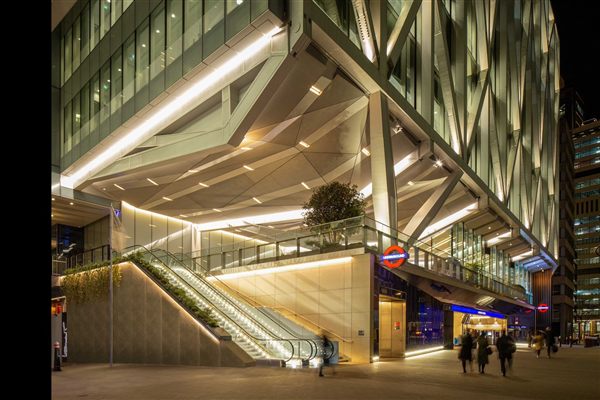
"Eighteen million pounds of drylining for McAlpine at Landsec's 21 Moorfields. The register behind dpow.app ran jobs this size."

"A £1M men's basement in a Grade II listed store. Luxury retail does not forgive a register that lies."

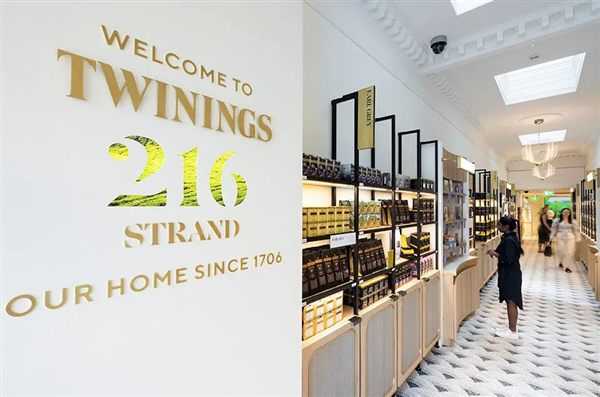
"Retail and storefronts at Harrods, delivered through 2020. The audit trail mattered more than the drawings."

"The newest job on the list: washrooms and MEP for Wates Group, run on the live register that became dpow.app."

Twenty years. Sixteen postcodes. One register.








Give dpow.app your contract documents. If it does not generate your complete information delivery suite from them, named and structured to ISO 19650, we put a human consultant on your project at no extra cost, working alongside your team until the job is up and running.
The ten outputs of the delivery suite, from the Scope of Work and TIDP to the programmes and registers, filed in your own SharePoint.
A design manager with twenty years on UK fit-out, not a help desk. They finish the set-up with you: the TIDP, the folders, the registers and the people on the job.
The suite is in your SharePoint, the register is live and your first weekly report has gone out. No extra fee, no hourly rate.
Founding members lock in half the public rate, with 3 Editor seats. Only 20 places.
Standard from launch: £6,360 per year
The founder seat. Everything, locked in before public pricing.
The standard plan once founding access closes.
Additional Editor seats £80 per month on either plan. Editors create and change the work. Viewers see and export it, free. No VAT is charged at present.
In case you missed anything and had some more questions.
It reads your contract documents and generates your information delivery suite: Scope of Work, TIDP and document register, deliverables and design programmes, RFI register, risk schedule and more. Ten outputs, ISO 19650 named, written into your own SharePoint. Then one live register runs the job and the weekly report writes its own narrative.
ISO 19650 is the international standard for managing information on a building project, from the first brief to handover. It sets how every document is named, what status it is at (work in progress, shared, published), who produces it and by when, and how it moves through a common data environment. It is not law, but most Tier 1 contractors and many clients now write it into their information requirements, so as a subcontractor you are asked for a TIDP, correctly named files and a controlled CDE before you start. Get it wrong and submissions bounce, payments wait and you look behind before you have begun. dpow sets it up from your contract, so you meet the standard without becoming an information manager.
Because the rules changed. The Building Safety Act 2022 requires a golden thread of information on higher-risk buildings: an accurate, up-to-date record of what was designed, approved and built, and who made each decision. The same Act extended the time a claim for defective work can be brought under the Defective Premises Act to 15 years, and to 30 years for work completed before June 2022. So long after you leave site, you may have to show what was issued, when, at which revision and who approved it. dpow builds that record as the job runs, so it is there when you need it, not rebuilt from old emails.
Datum is the lite, view-only portal your client sees. dpow.app is the full platform you run the project on: registers, programme, variations and reporting, with your whole team inside it. Try the Datum demo in a new window ↗.
Yes. It is shaped for the people who do the work: the solo design manager, the small consultancy running several clients, the architect handed information management duties. Add a client, add a project, and the structure builds itself.
Your project files are kept in your own Microsoft 365 SharePoint. dpow.app keeps the register, the logs and the audit trail in its own database, and a private copy of any file SharePoint refuses. AI providers process contract text to generate your outputs. The details, and the companies we use, are in the privacy notice.
If dpow.app does not generate your complete information delivery suite from your contract documents, named and structured to ISO 19650, we put a human consultant on your project at no extra cost. A design manager with twenty years on UK fit-out works with your team until the job is running: the suite is in your SharePoint, the register is live and your first weekly report has gone out.
A founder seat at £3,180 a year, billed annually, with the founder rate locked for as long as you stay subscribed (standard pricing from launch is £6,360 a year). It includes 3 Editor seats and your first pilot project with consulting. 20 places. Founders steer the roadmap, get the Ask-the-Project chat and the WhatsApp status bot first, and keep a direct line to Pete throughout.
Anyone who creates or changes the work, from registers and RFIs to reports and generated documents, needs an Editor seat, and admins use one too. Everyone else in your company can be a Viewer for free: they see every project and what the team sees, export the registers and ask the chat, but cannot change anything. Your clients don't need either: they get their own client portal, showing only what you publish to them. You choose who holds the seats in Settings, People and roles, and can move a seat when someone leaves or takes over a project. A seat stays with a person for at least 30 days, so one seat cannot be shared round an office.
Yes. Every client gets a branded, read-only portal at their own address: yourclient.dpow.co.uk. Published documents, the report and the programme, provisioned automatically when you add the client. No DNS tickets, no extra licence.
Plain-English notes on running design management without the chaos.
 dpow
dpow